


Starlink Setup and Configuration in Abara I – DRC
$ 100,00
Our professional installers will deliver your Starlink equipment to your location and mount it to your home’s exterior. They will also help download the Starlink app and guide you through the account creation process on your mobile device.
-
Before we begin
When we arrive at your home, we’ll discuss the scope of work to ensure that the services you purchased meet your needs and expectations. If they don’t, we’ll recommend solutions. To ensure that installation can take place, we’ll verify that the location of the antenna will have a clear, unobstructed signal path to the northern sky (i.e., no trees, tree branches, buildings or other objects above the antenna).
-
Delivering to your home
We’ll securely deliver your new Starlink system to your home.
-
Connecting your new system
We’ll mount and assemble your new equipment, connect the Starlink cable to the included router inside the house through an exterior wall (or siding) and connect up to two devices.
-
Testing and demonstrating
We’ll assist you in downloading the Starlink app and creating a Starlink account through your mobile device. We’ll set up as many as two existing network devices, update the device’s (or devices’) firmware and guide you through any necessary user account setup and configuration. We’ll also demonstrate how to update these credentials and settings for future reference.
-
Cleaning up
It’s like we were never there. We’ll clean up the work area and remove all tools and supplies.
-
*Service does not include assembling furniture, installing an in-wall power extension, mounting to a custom surface or connecting to an existing network
-
*Service does not include installation to any recreational vehicles or boats or mounting to any commercial buildings, apartments or condos.
-
Installation is limited to the outside of a home.
-
*The Starlink cables will not be concealed within the home (i.e., in-wall concealment).
-
*We will only use the included Starlink router for network connectivity.
-
*Installation restrictions may apply to the following: 1) inclement weather conditions; 2) instances of a roof’s pitch or angle being too steep; 3) installation in, on or through Spanish-style or wood tiles or shingles, which can lead to difficulty in sealing or preventing moisture from seeping in after an access hole is drilled.
Other
 +254100720022
How do I set up Starlink?
- Find a clear view of the sky. Use the “Check for Obstructions” tool on the Starlink app (iOS, Android) to find the install location that will deliver the best service.
- Plug Starlink into power.
- Within a few minutes, your Starlink will connect to satellites.
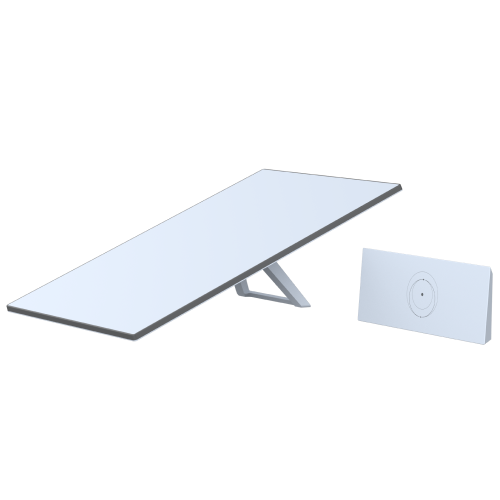
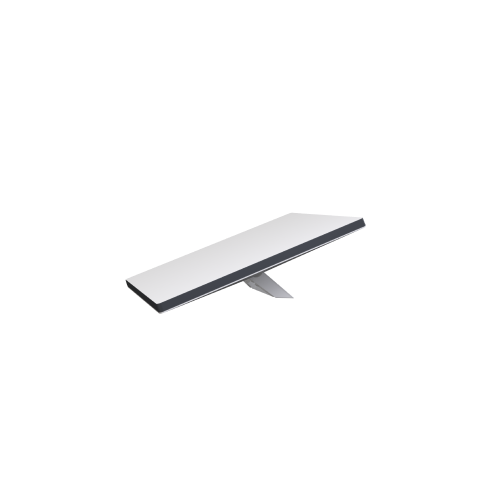
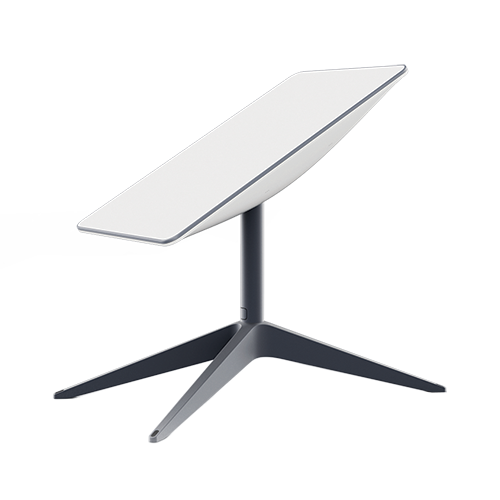
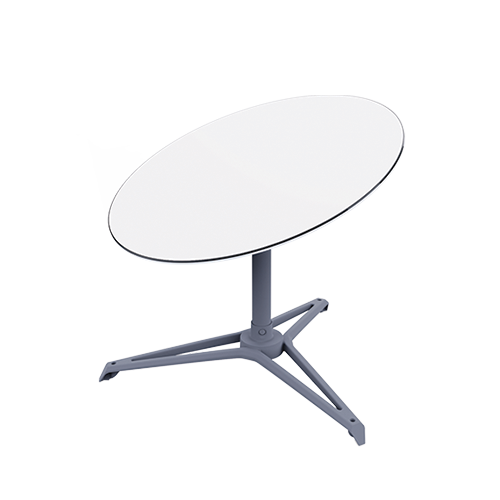
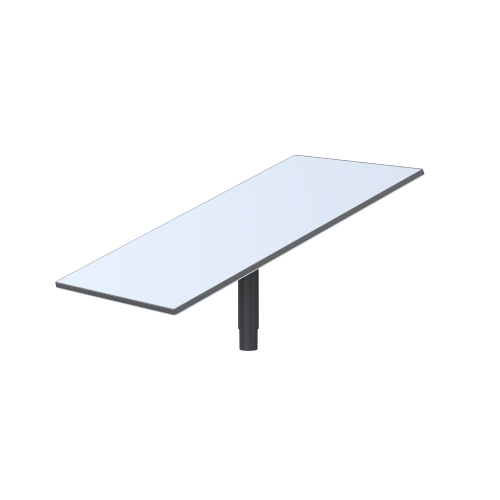
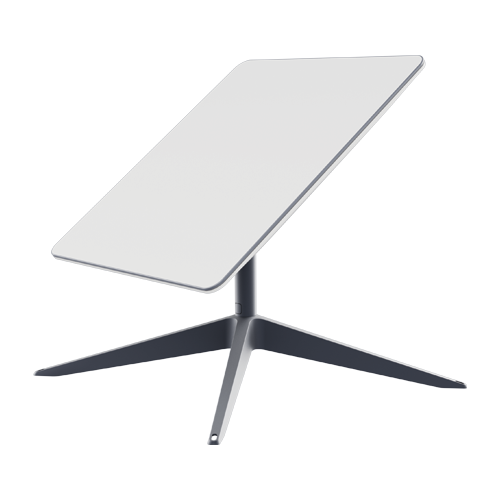
- Starlink Standard Actuated and Starlink Performance (Gen 1) will automatically level itself to search for satellites overhead. Do NOT attempt to manually adjust your Starlink.
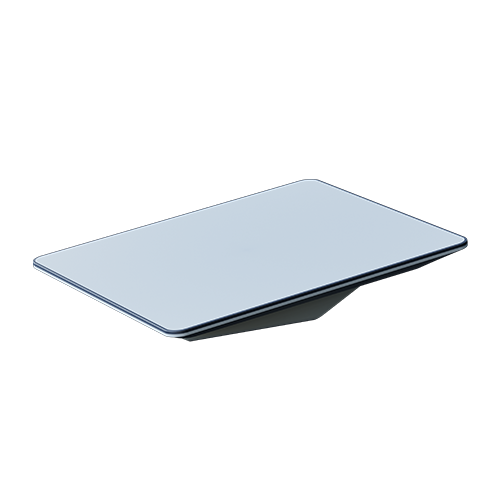
- For Starlink Standard and Starlink Mini, use the alignment tool to position Starlink to connect to satellites overhead.
- Connect to high-speed Starlink internet from your device!
- Your Starlink may need to download the latest software after initial setup for optimal performance. This will happen automatically overnight or you can watch your Starlink app for messages about the update status
Still experiencing issues getting online?
- Connect to your Starlink WiFi > Open the Starlink App > See if there are any alerts on the home screen.
- If you are unable to connect to your Starlink WiFi, please follow this troubleshooting guide: Cannot connect to the Starlink Router
- If there are no alerts, please navigate to the topic to troubleshoot based on what the App screen says:
- If you have a different question about your account or service, please select one of the below recommended topics.


Related products
-
 Add to cart
Space-Saving Integrated Design: Our starlink router mount features hidden cable channels to organize power supply cable into a more compact footprint, reducing clutter on desks, RV counters, or boat cabins.
Easy of Installation: Comes with all necessary screws, make sure you can install the Starlink Gen 3 router and power supply within 3 steps (drill, align, fix)
Durability: Made from high-quality ABS plastic, ensuring the gen 3 starlink mount is sturdy, impact-resistant, and scratch-proof for extended longevity.
Signal Optimization: The Starlink gen 3 router mount can be placed in an ideal location and angle to enhance signal coverage and performance.
Custom-Engineered Fit: Our wall mount is exclusively designed for the Starlink Gen 3 Mesh Router and Starlink V3 Power Supply Ethernet Adapter, ensuring a snug fit that enhances both the stability and the connectivity of your Starlink Internet Kit Satellite -
 Add to cart
**PD Smart Chip Compatibility** Features an integrated PD smart receiver chip that communicates with PD power sources to adjust voltage to 20V, ensuring stable output for your Starlink Mini. Designed for optimal power delivery performance.
**Works with 100W+ PD Power Sources** Compatible with power banks and adapters supporting 100W or higher output (20V/5A). Provides a stable power supply for the Starlink Mini dish antenna, minimizing energy loss during use for peak performance.Please Note: The power bank must support PD (Power Delivery) protocol.
**Weatherproof and Durable Design** Equipped with SL proprietary waterproof gasket and high-quality PVC casing to endure harsh weather conditions. Perfect for both indoor and outdoor use, offering long-lasting reliability in any environment.
**Easy Plug-and-Play Setup** USB-C to DC barrel jack design makes installation hassle-free. No additional adapter required. The 18AWG wire ensures stable power transmission, ideal for users wi -
 Add to cart
Compatibility: Specifications;ially designed for Starlink Standard Generation 3, ensuring optimal connection.
Durability: Waterproof and rainproof design suitable for indoor and outdoor use in adverse weather.
Convenience: Plug-and-play installation, no complicated setup required.
Reliability: Fully shielded with 8 copper wires for interference-free data transfer.
Length: 32.8 feet (10 meters) cable length for flexible placement. -
 Add to cart
Cover More Different Scenes: STARGEAR Starlink flat mini/gen 3 cable featuring a noodle-like design, this starlink ethenet cable is specifically engineered for easy pass-through installation through windows of RVs, vehicles, and other tight spaces. Ideal for setups where routing cables through walls or ceilings is not feasible.
Reduce Contact Resistance: STARGEAR Starlink replacement extension cable for Starlink standard generation 3 with patented advanced soldering-type RJ45 connectors, engineered for all-weather, heavy-duty use, reduce 50% contact resistance for sure.
All Weathers Conditions Applicable: STARGEAR Starlink Gen 3 Cable and Mini built for the outdoors, making it perfect for use in all weather conditions. Whether rain or shine, the starlink mini/gen 3 ethenet cable delivers consistent performance for your Starlink system.
Professional Protection for Starlink Gen 3: Starlink case are made from lightweight EVA material, custom designed for gen 3 Starlink -
 Add to cart
Fast Wired Connection Speed – This starlink ethernet adapter designed to connect a device directly to the router for a wired connection, supports up to 1 Gbps speed
Plug & Play, Compact and Lightweight, Easy to Install, no drilling required
Additional RJ45 Port supports wire connection to extra routers, TV, PC, Network switch, Game console, Security camera and etc.
Customized design for Starlink Actuated GEN2 Starlink Rectangular Satellite V2, Not for GEN1, GEN3
What you Get – 1 x Starlink ethernet adaptor, 1 x Manual, 30days Replacement
Reviews
There are no reviews yet.